How to Earn Money
What Is Net 30? Invoice Payment Terms, Explained
Net 30, due on receipt, 2/10 net 30 — the little codes on an invoice that quietly decide when you actually get paid. Here's what each one means.
Live prices
Money tools
Free tool
Fill in the form, watch the invoice build itself, and download a clean PDF. No watermark, no upsell — a free account unlocks the download and saves your work for next time.
Your business
Invoice
INV-001
| Description | Qty | Rate | Amount |
|---|
Subtotal $0.00
Tax $0.00
Discount $0.00
Total due $0.00
A free account unlocks PDF download & saving.
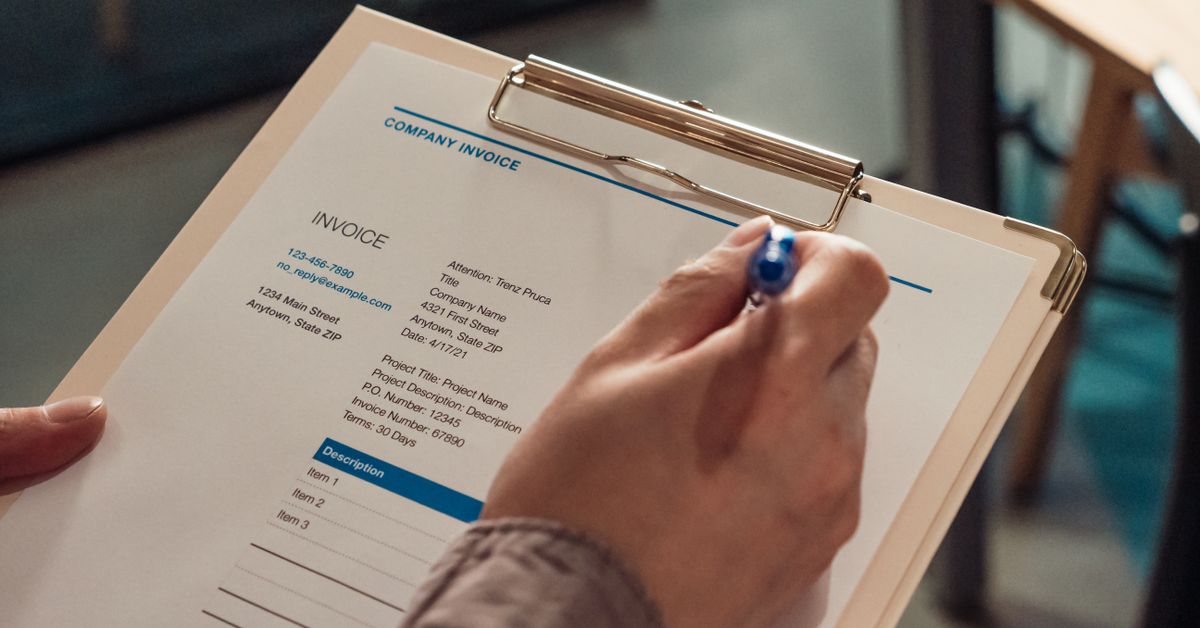
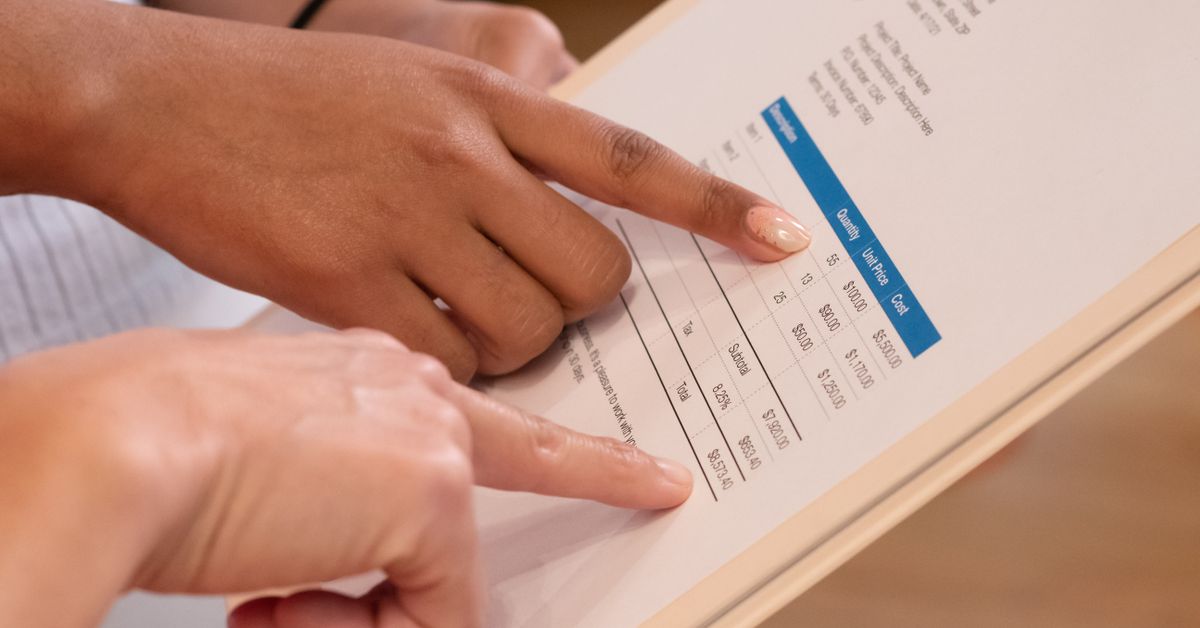
An invoice is a simple promise: here’s what I did, here’s what you owe, and here’s how to pay me. The faster a client can read it and act, the faster you’re paid. A complete US invoice carries a handful of standard parts.
Everything runs in your browser and the preview updates as you type. Work through the form top to bottom:
Most late payments come down to friction, not bad faith. Remove the friction and money arrives sooner. Send the invoice the day the work is done — invoices age badly — and give a specific due date rather than “soon.” Net-15 and net-30 are the common US terms (payment due 15 or 30 days after the issue date); shorter terms mean faster cash, so use net-15 unless you’ve agreed otherwise. If you charge a late fee, state it on the invoice up front, such as a small percentage per month past due. Keep invoice numbers sequential so nothing slips through the cracks, use plain descriptions a non-expert can understand, and offer at least one easy way to pay. For a deeper look at terms, see our guide to invoice payment terms explained.
Reading a paper check from a client? Use the check tool to decode the parts of a check, and the routing number lookup to confirm where a transfer is headed. For the bigger money picture — taxes, savings and more — browse all of our free calculators. This page is a tool for building invoices, not legal or tax advice; check your state’s rules if you’re unsure how sales tax applies to your work.
Yes. Build and preview your invoice for free. A free account unlocks the PDF download and lets you save invoices to reuse later — no payment, no watermark.
Everything you type stays in your browser. Saved invoices are kept locally on your device, tied to your free account — we never see your client list or amounts.
You can add your business name, address and contact details, which appear at the top of the invoice. A logo upload is on the roadmap.
Your details, your client’s details, a unique invoice number, the issue and due dates, an itemized list of work with quantities and rates, any tax, and clear payment instructions.
They’re payment terms. Net-15 means the full amount is due 15 days after the invoice date, and net-30 means 30 days. Shorter terms tend to get you paid faster, so many freelancers default to net-15.
Free · every Sunday
What moved in the markets, the guides worth reading, and what it all means — in one short email. No noise, no bank linking, leave anytime.
Net 30, due on receipt, 2/10 net 30 — the little codes on an invoice that quietly decide when you actually get paid. Here's what each one means.
Sending your first invoice shouldn't feel like filing taxes. Here's exactly what goes on one, line by line — plus a free tool that builds it for you.
The perfect credit score. 850. That is the highest credit score anyone can get on a scale of 300 to 850.
The Sunday Digest
Metals, rates and inflation, digested into one short email every Sunday. Free, no bank linking, leave anytime.